

User guide2 min
Your account
The one screen that belongs to you rather than to a workspace. Four tabs, and what you change here applies in every workspace you belong to.
How to get there#
Your avatar, top right.
- 1
Click your avatar in the top bar
The circle on the far right.
- 2
Choose Account
Signing out is in the same menu.
app.pixyscan.com/account
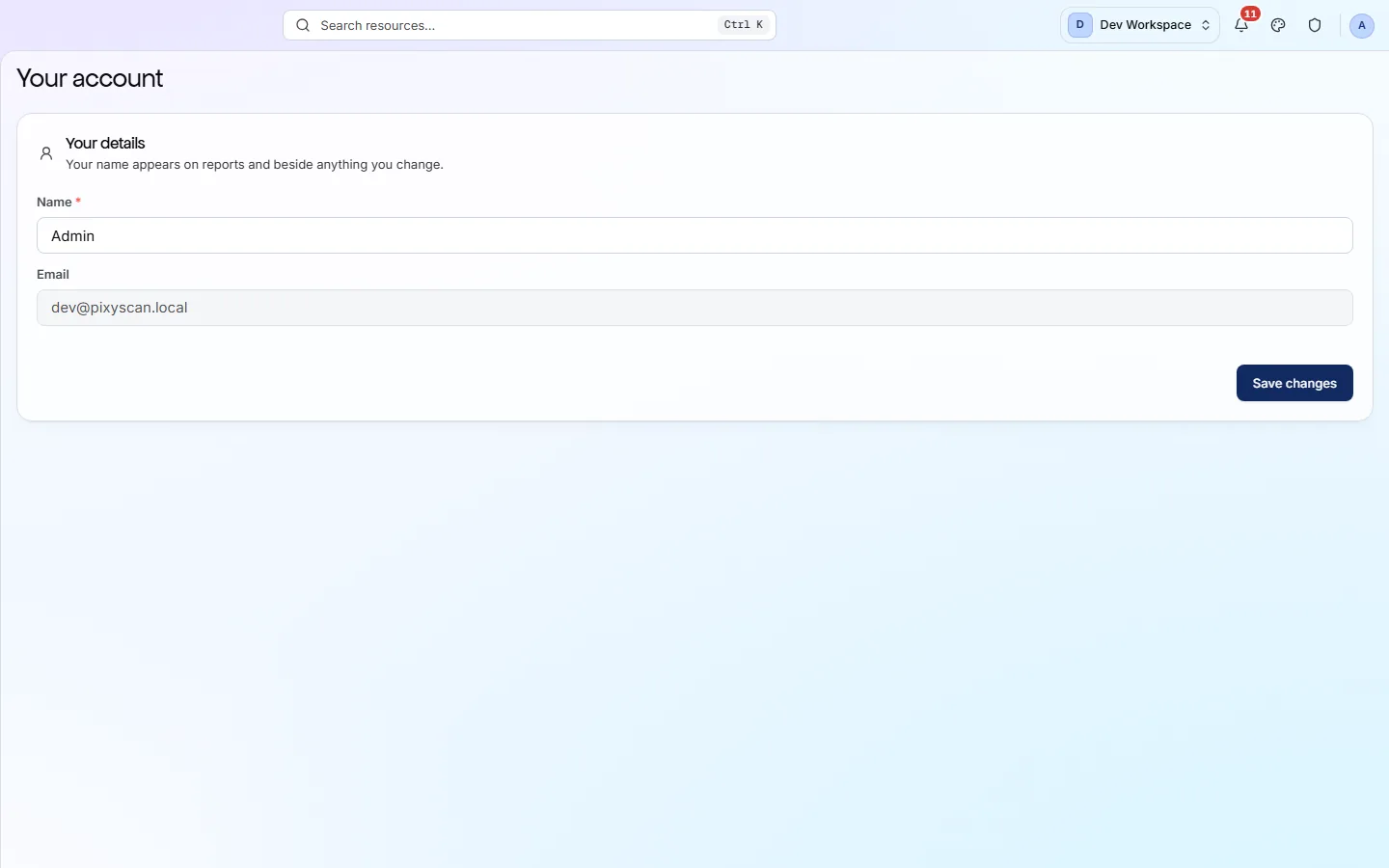
The four tabs#
What each one holds.
| Field | Holds | What it does |
|---|---|---|
| Profile | Name, email | Your name appears on reports and beside anything you change. The email cannot be edited, because it is what you sign in with. |
| Security | Password | Change your password. You need the current one. |
| Privacy | Your data | What data is held about you, and the controls over it. |
| Appearance | Theme | Light, dark or match your system. It is saved per browser, so it does not follow you between devices. |
Leaving a workspace is not here
Membership belongs to the workspace, so a workspace admin removes you from its Members screen. Your account is unaffected.
If the product does not match this page, the page is wrong and we would like to know. Tell us