

Let your AI assistant fix it, then prove the fix passed
Connect PixyScan to Claude, or any assistant that supports MCP. Ask what to fix first and it answers from your real scan: the problems, the pages affected and the fix guide for each.
Does this sound familiar?
An AI assistant is only as good as what it can read, and a fix it suggests is not a fix that has been tested.
- You copy issue lists out of one tool and paste them into a chat window.
- A chat answer about your site is a guess. The assistant has never seen it.
- The assistant says the fix is done, and nobody checks that it is.
How it works
How it works, in three steps
Connect your AI assistant to PixyScan, so it answers from your real scan and can test its own fix.
- Step 1
Connect it once
Add PixyScan's MCP server to your assistant and sign in through your browser. No password or key is pasted into the assistant.
- Step 2
Ask in plain words
Ask “what should I fix first on my site?” It answers from your latest scan: the problems, the pages affected and the fix guide for each.
- Step 3
Fix, then check
A coding assistant reads the fix guide, changes the code and runs the PixyScan command. The scan passes or it does not.
What you get
What you get with it
The assistant reads your actual problems and the fix guide for each, and the release gate checks its work.
- 01
Answers from your real scan
MCP (Model Context Protocol) lets an AI assistant read data from other tools. PixyScan's MCP server gives it 9 tools to list your workspaces and sites, read problems, affected pages and fix guides, and add a new site.
- 02
Sign-in through your browser
You approve the connection in your browser, the same way you sign in to PixyScan. No password or key is pasted into the assistant.
- 03
It reads. It never changes your site
The assistant can read your results and add a site. It cannot start a scan, and nothing in PixyScan writes to your site. Your assistant makes the change in your code, where you can review it.
- 04
A fix that is tested, not only suggested
Pair it with the release gate. A coding assistant reads the fix guide, changes the code and runs the PixyScan command. The scan passes or it does not.
Which tiers include it
Basic, Pro and Enterprise. Not on Free or Hobby.
- The MCP server starts on Basic, together with the release gate.
- Testing a fix from the assistant uses the release gate's command, which Basic also includes.
- It works with Claude, and with any assistant that supports MCP.
What it doesn’t do
- The assistant can read your results and add a site. It cannot start a scan.
- PixyScan has no AI of its own. Your assistant does the writing, and PixyScan supplies the facts and the fix guides.
- Google Search Console figures are not available to the assistant.
- No public REST API yet.
Why use it
When it helps
Everyday moments where it saves you time or catches a problem early.
Fix site problems from your editor
Ask your assistant for your site's problems and fix guides, then fix them in your code without switching tools.
One fix across a whole template
A problem on every product page usually comes from one template. The assistant reads which pages are affected and changes the template once.
Add a site without leaving the chat
The assistant can add a new site to your workspace. You start its first scan in the app.
Where to find it in the app
Take the product tourUnderstand
Issues
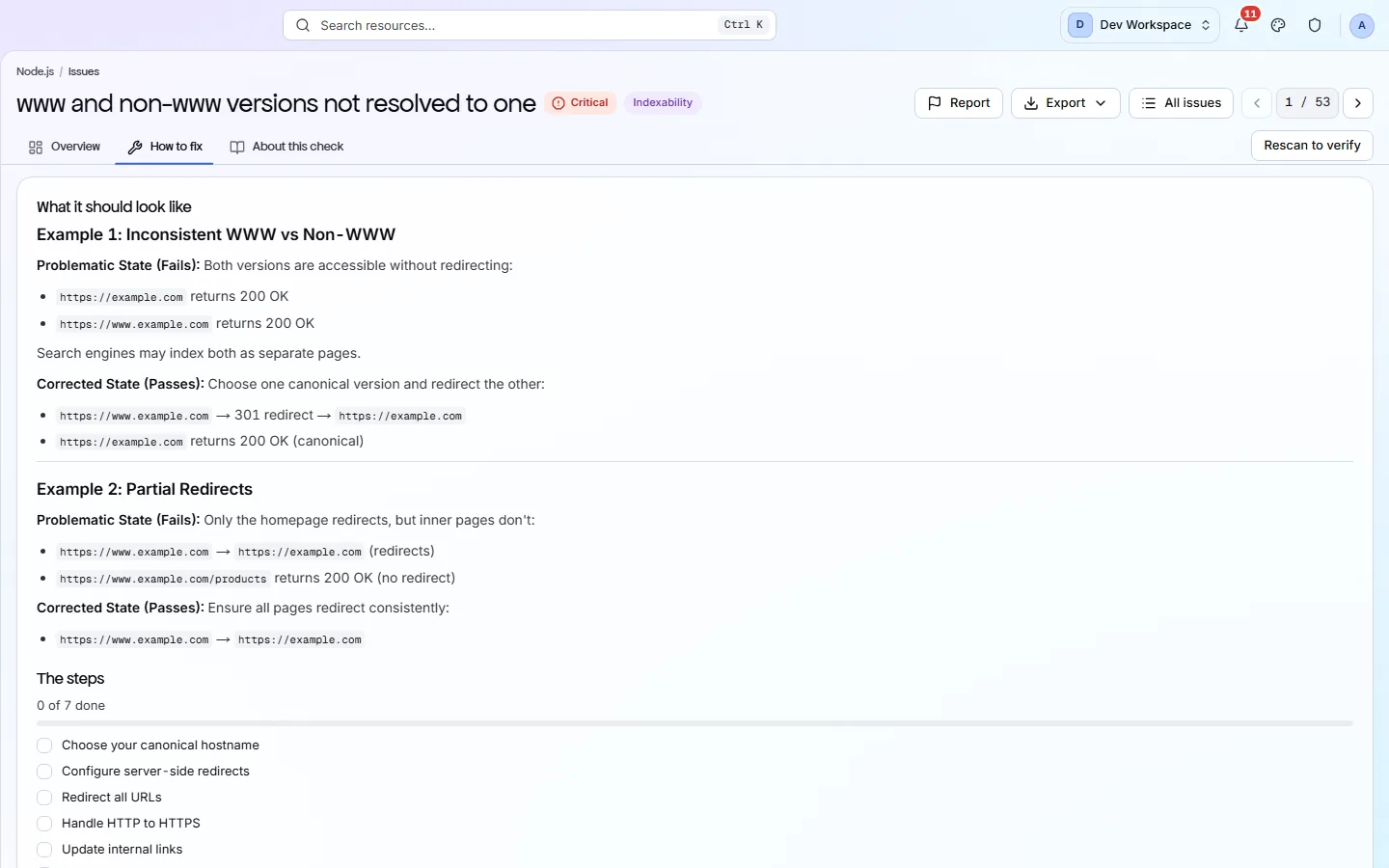
The Issues view lists every check your site fails. The fix worth the most points is at the top. Open any row to see the pages affected and a guide to fixing it.
Manage
Settings
Each site has its own settings. They decide which pages are scanned, how often, who gets alerts and who can see the site. Changes apply from your next scan.
Questions
Common questions
Short answers about tiers, setup and limits.
Which assistants does it work with?
Claude, and any assistant that supports MCP (Model Context Protocol), the standard way assistants plug into other tools.
What can the MCP server do?
It has 9 tools. It can list your workspaces and sites, read problems, affected pages and fix guides, and add a new site. It cannot start a scan.
Is it safe to connect?
You sign in through your browser, so no password or key is pasted into the assistant. The server reads your results, and nothing in PixyScan changes your site.
How does the assistant test its fix?
With the release gate. The assistant runs the PixyScan command, the same one your pipeline runs, and the scan passes or fails against your gate.
Which tiers include the MCP server?
Basic and above.
Does PixyScan use AI to write the fix guides?
No. Every fix guide is written by people. Your assistant reads the same guide the app shows you.
Other features
All featuresThe audit and the score
PixyScan checks every page against 200+ search, AI and technical checks and gives your site a health score out of 100.
ReadPages, links and images
Browse every page, link and image the scan found, and open any page for its full report.
ReadReports and exports
Turn any scan into a report or data file: 61+ kinds, in PDF, CSV, XLSX, JSON or Markdown.
ReadSee what is wrong with your site
Add your site and get your score, your to-do list and a fix guide for every problem. Free for one site and 500 pages a month, with no time limit.
Nothing to install · Cancel any time