

Everything PixyScan does, grouped by what you get
Four results come first: a build that fails when a release would break your SEO, a clear list of what changed, how your fixed pages did in Google, and a site AI search can read. Behind them sit 200+ checks on every page.
- Free to start
- Nothing to install
- A fix guide for every check
- See only what changed since the last scan
- Find out whether AI search can read your site
- A score you can check, and a fix guide for every problem
The four results
Start from what you want to happen
Each result has a feature page that shows it working, says which tiers include it and says what it does not do.
Catch it before it ships
One command in your build pipeline scans each release. If the score falls below your limit, the build fails and the problem never reaches your live site.
- A score gate, 97 unless you change it
- Up to 200 checks that must never fail
- Staging and live results kept apart
A release that breaks SEO fails the build
Scan every release from your build pipeline, and fail the build when it would break your SEO.
Included in: Basic, Pro and Enterprise. Not on Free or Hobby.
Release gateSee it in the app
- SettingsEach site has its own settings. They decide which pages are scanned, how often, who gets alerts and who can see the site. Changes apply from your next scan.
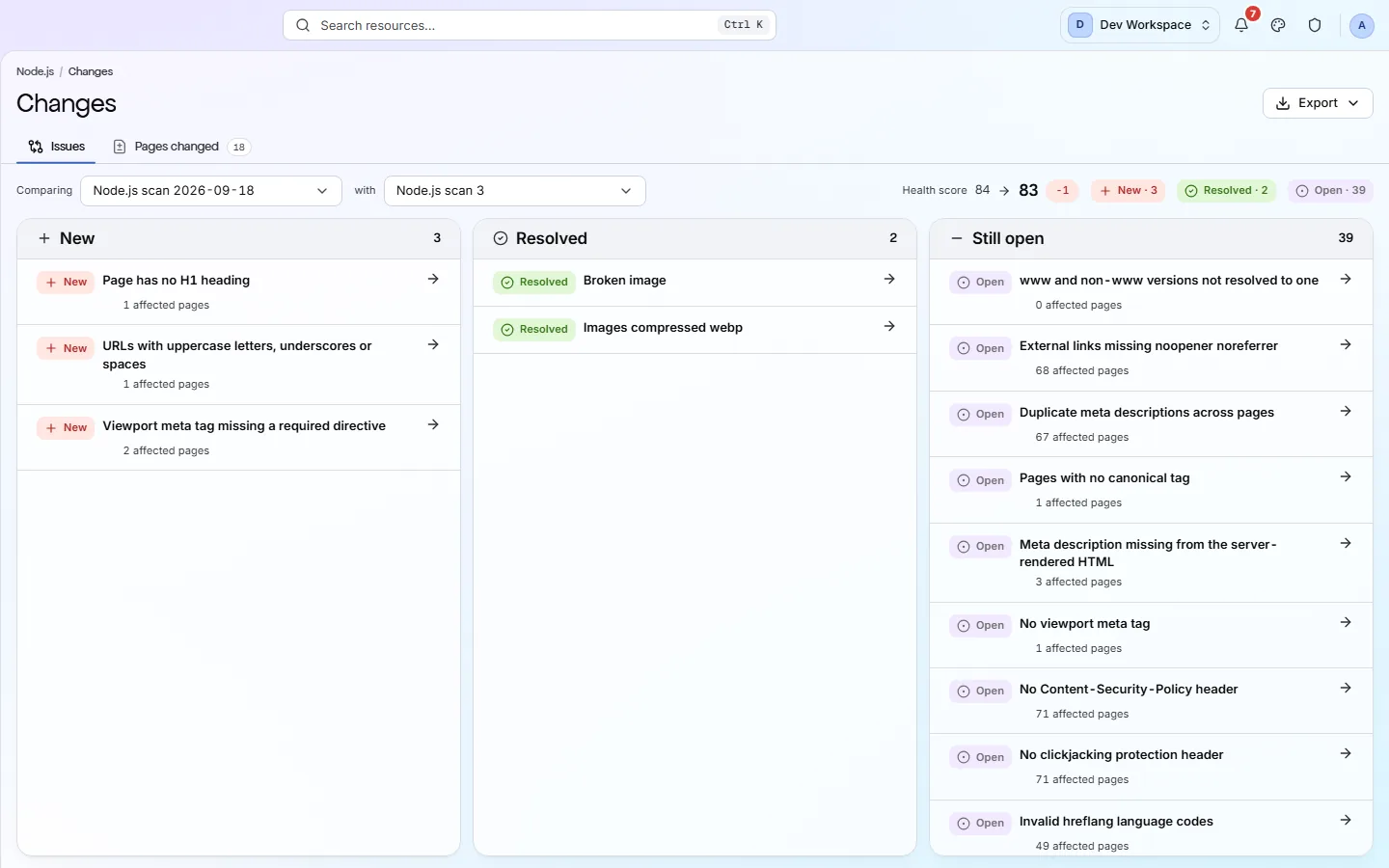
- ChangesThe Changes view compares two scans of your site. It shows which problems are new, which you fixed and which are still open, and what changed on each page.
Know what changed
Every scan is compared with the last. You read what is new, what you fixed and what is still open, and an alert tells you when the score drops.
- Scans that run daily, weekly or monthly
- New, Resolved and Still open, sorted apart
- Alerts by email, Slack or webhook
See only what changed since the last scan
PixyScan scans your site on a schedule and shows only what changed since the last scan.
Included in: Hobby, Basic, Pro and Enterprise. Alerts work on every tier, Free included.
Monitoring and changesSee it in the app
- ChangesThe Changes view compares two scans of your site. It shows which problems are new, which you fixed and which are still open, and what changed on each page.
- Scan historyScan history lists every scan of your site, newest first, with its status and score. Open a past scan and every view shows your site as it was that day.
- Site alertsSite alerts is the inbox for one site. Every scan gets one row that sums up what happened: finished, failed, a lower score, or a new critical problem. Click a row to jump to the screen that explains it.
See how your fixes did
Connect Google Search Console and PixyScan compares the pages you fixed with the rest of your site, so you can see how they did in Google afterwards.
- Fixed pages compared with the rest of your site
- Deploys marked on your clicks trend
- An alert when clicks drop after a deploy
See how your fixed pages did in Google
After a fix, PixyScan compares Google clicks to the fixed pages with the rest of your site.
Included in: Basic, Pro and Enterprise, with Google Search Console connected. Not on Free or Hobby.
Search ImpactSee it in the app
- Search performanceConnect Google Search Console and this view shows your clicks, impressions, click-through rate and average position, by page and by search query. Your scans sit on the same trend, so you can see what happened to traffic after a fix.
- ChangesThe Changes view compares two scans of your site. It shows which problems are new, which you fixed and which are still open, and what changed on each page.
- Site overviewThe Overview is the first view you see for a site. It shows your health score, what changed since the last scan and where the problems are. Click any number to see the detail behind it.
Be readable by AI search
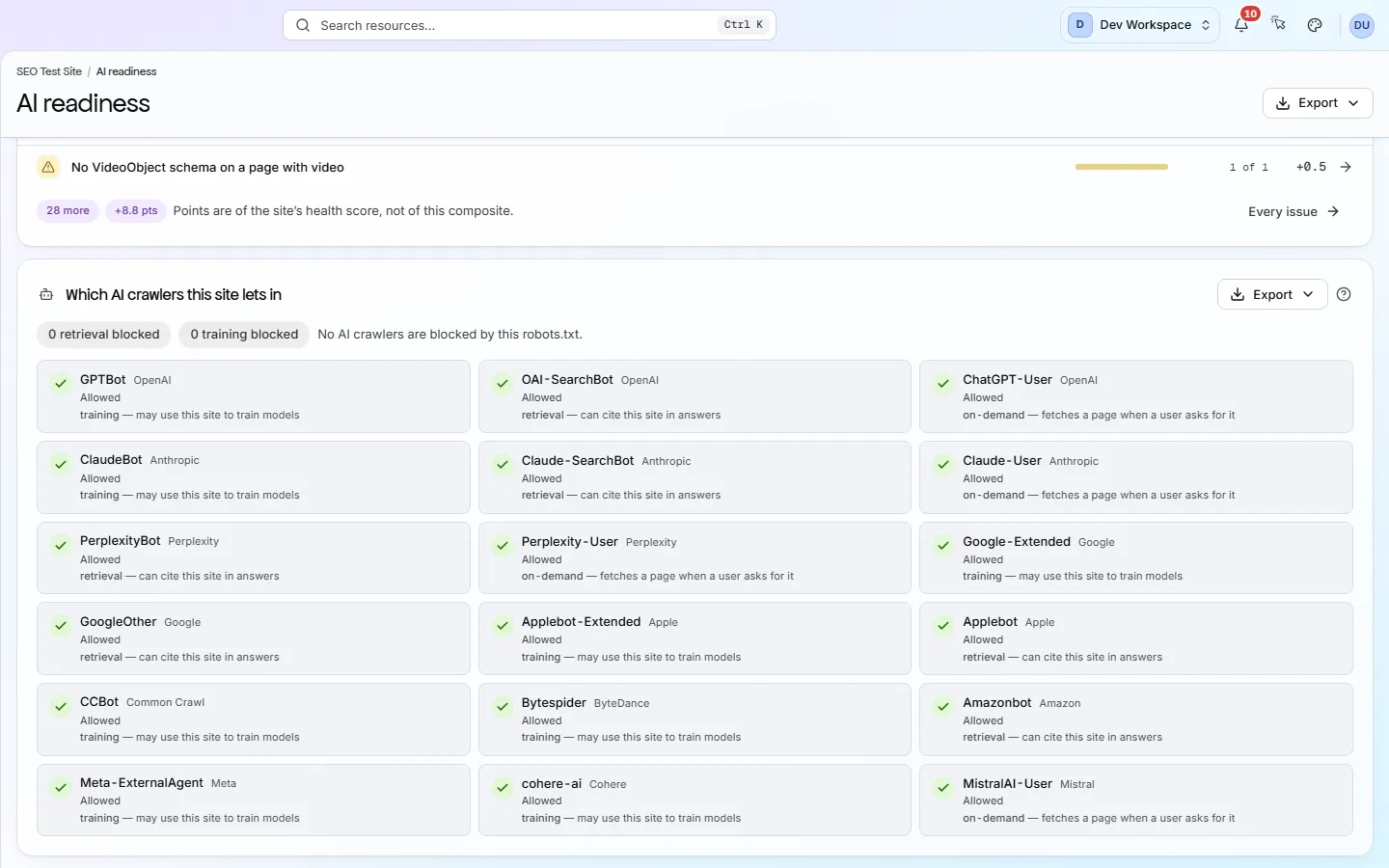
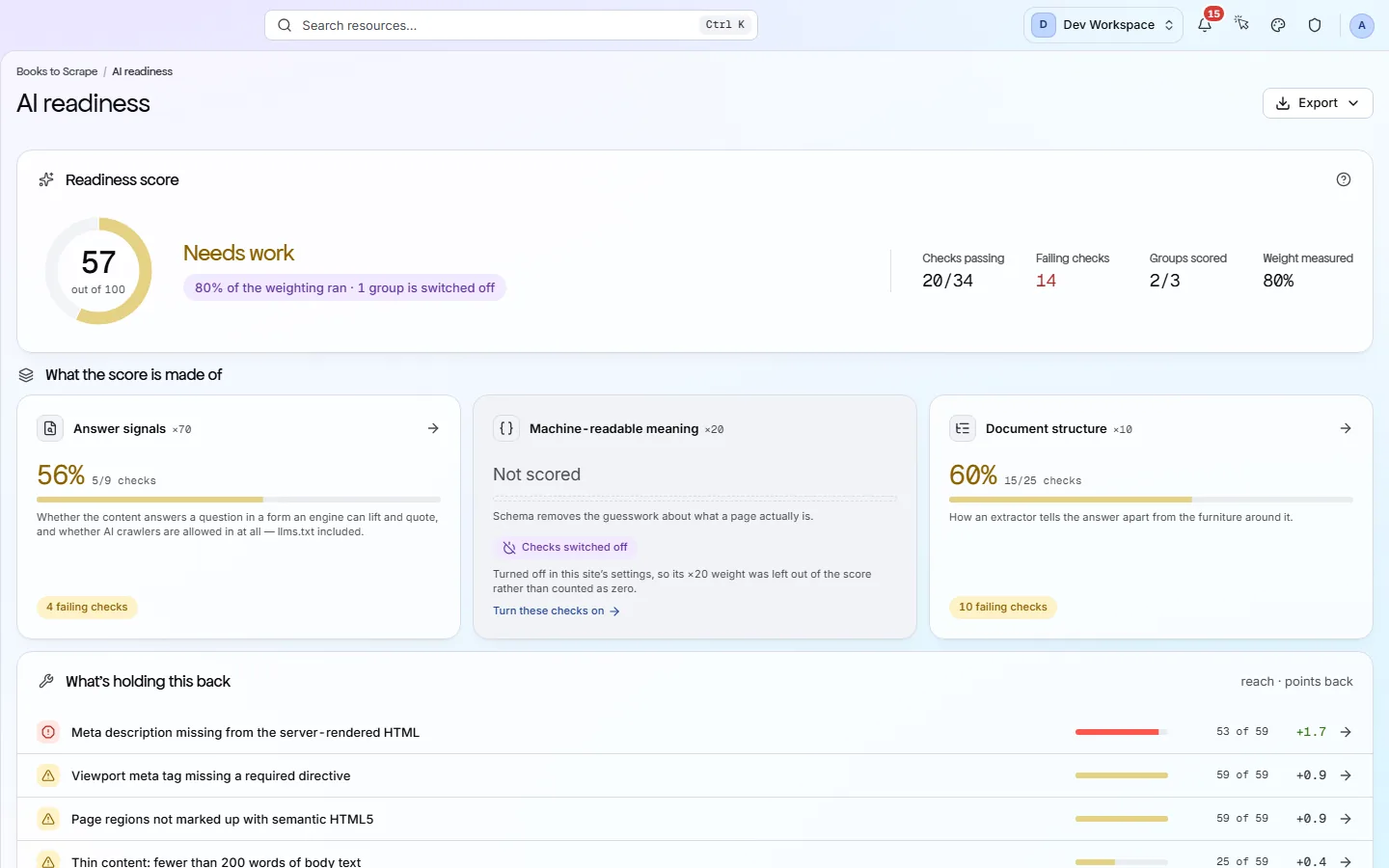
A score out of 100 for how well ChatGPT, Perplexity and Claude can read your site, and a list of the AI bots you allow or block.
- An AI readiness score out of 100
- 18 AI bots, each shown as allowed or blocked
- An MCP server for your own AI assistant
Find out whether AI search can read your site
Every scan scores how well AI tools can read your site, and shows which AI bots you allow or block.
Included in: Every tier, Free included.
AI readinessLet your AI assistant fix it, then prove the fix passed
Connect your AI assistant to PixyScan, so it answers from your real scan and can test its own fix.
Included in: Basic, Pro and Enterprise. Not on Free or Hobby.
MCP serverBehind all four
The audit, the lists, the reports and the team
Every result above rests on the same scan. These four features are what that scan gives you.
A score you can check, and a fix guide for every problem
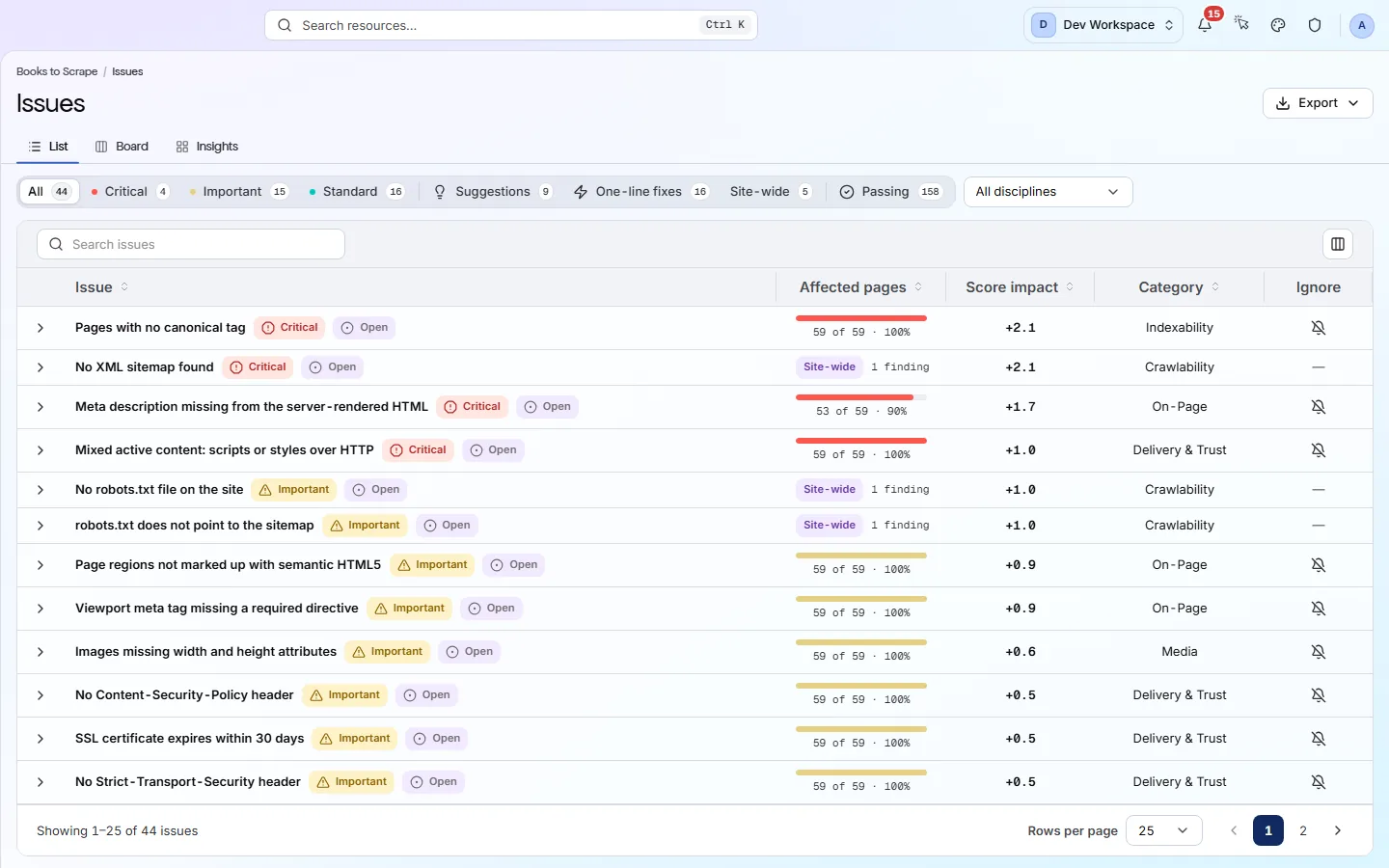
PixyScan checks every page against 200+ search, AI and technical checks and gives your site a health score out of 100.
Included in: Every tier. Free runs 181 of the 200+ checks. Hobby and above run all of them.
The audit and the score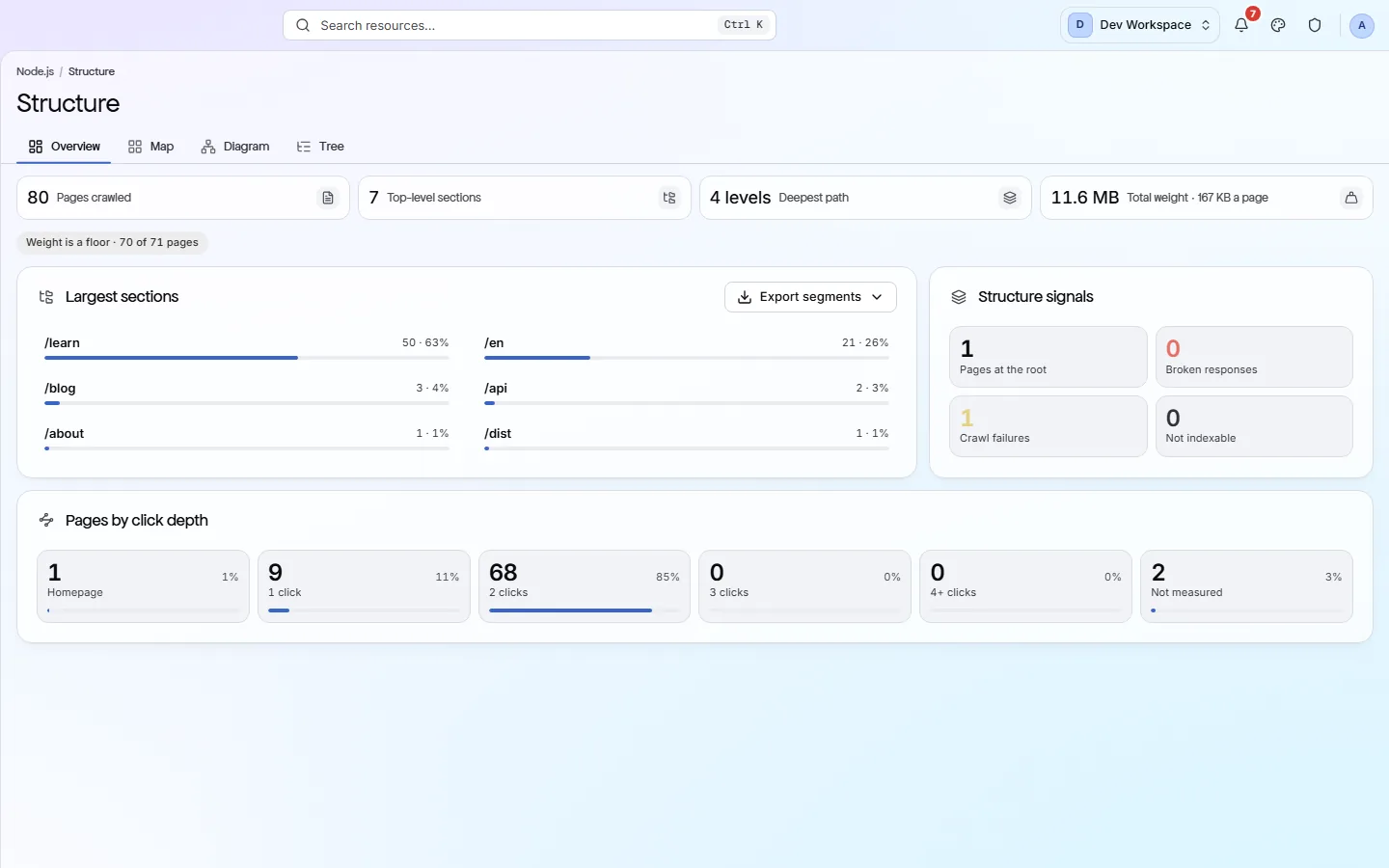
Find any page, link or image on your site
Browse every page, link and image the scan found, and open any page for its full report.
Included in: Every tier. Exports and checking outside links and images start on Hobby.
Pages, links and images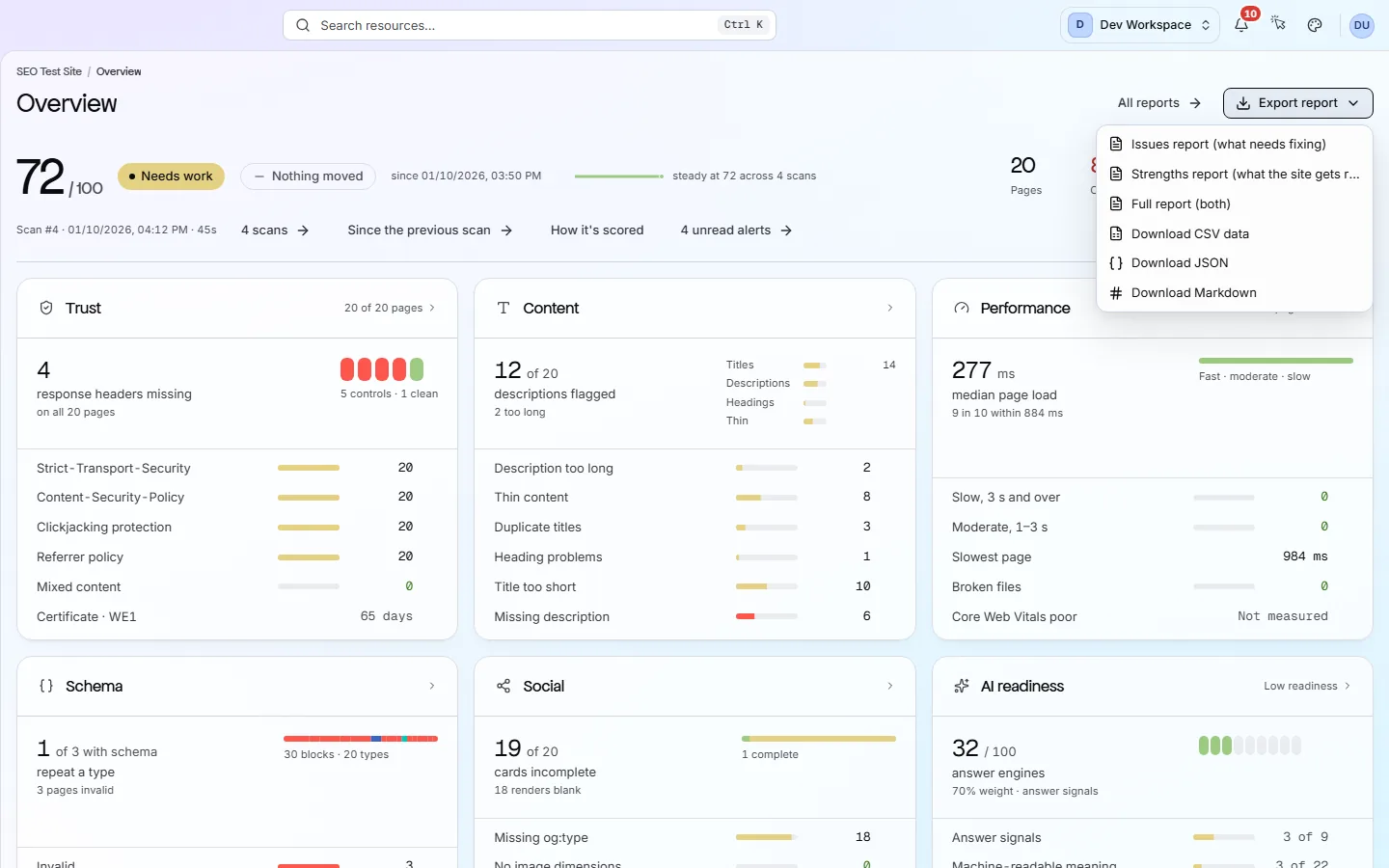
Reports with your name on them
Turn any scan into a report or data file: 61+ kinds, in PDF, CSV, XLSX, JSON or Markdown.
Included in: Every tier. Fix steps and data exports start on Hobby. Your own branding starts on Pro.
Reports and exports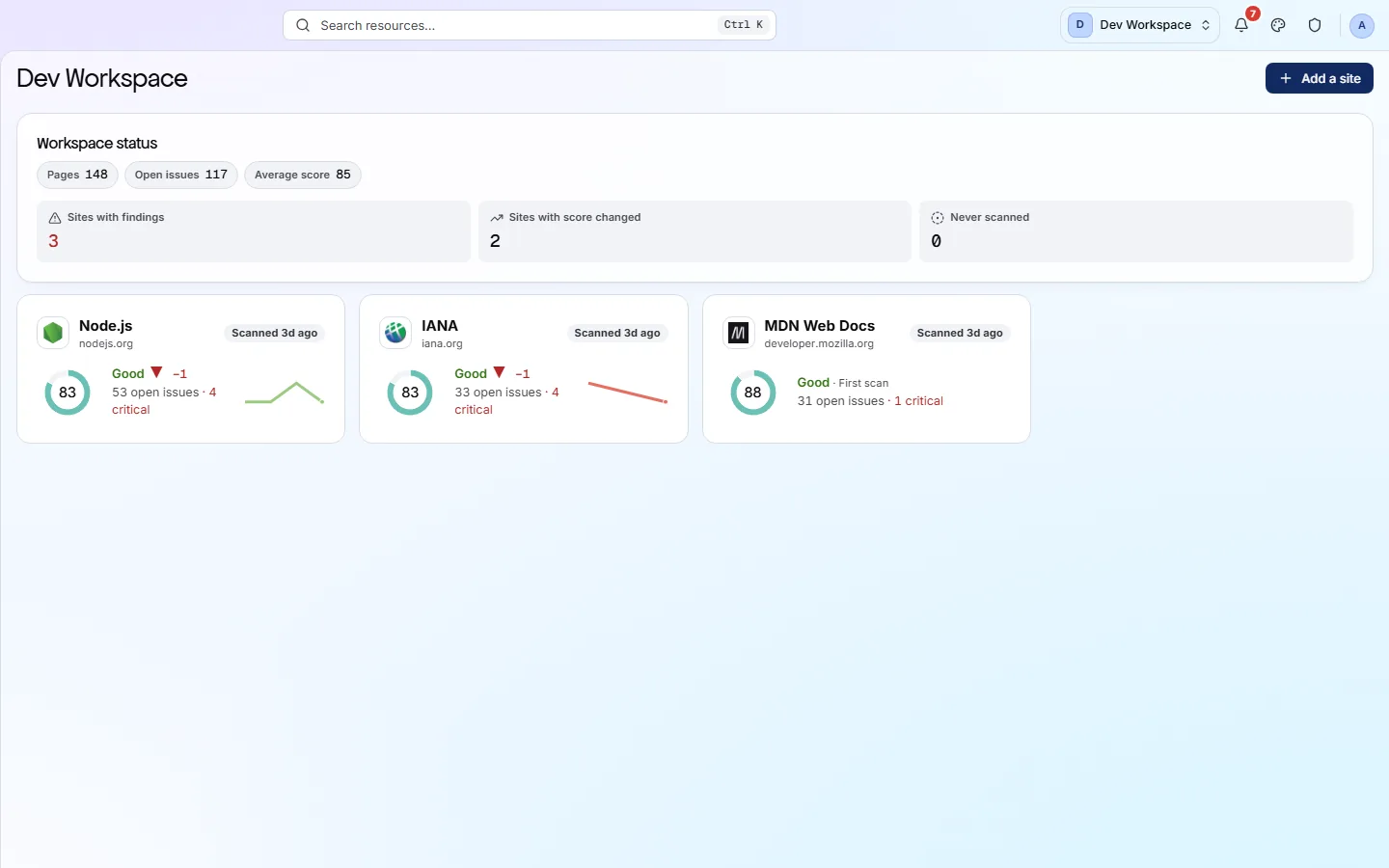
Give each person only the sites they need
Put your sites and your team in one workspace, and give each person only the sites they need.
Included in: Every tier. You get more people and sites on each tier up.
Workspaces, sites and rolesQuestions
Questions about the features
Which features can I use for free?
The Free tier runs 181 search, AI and technical checks on every page, gives your site a health score and an AI readiness score, and sends alerts by email, Slack or webhook. You can also download the six summary reports. Scheduled scans, scan comparisons and data exports start on Hobby. The release gate, the MCP server and Search Impact start on Basic.
Does PixyScan fix problems or change my site for me?
No. PixyScan only reads your site, and it never changes it. Each check comes with a fix guide written by people, which you or your developer follow. From Basic, your own AI assistant can read those guides through the MCP server and make the change in your code.
How do I get my results out of PixyScan?
Download any scan as a report or data file in PDF, CSV, XLSX, JSON or Markdown. From Basic, the CI command and the MCP server can also read results outside the app. There is no public REST API yet.
See what is wrong with your site
Add your site and get your score, your to-do list and a fix guide for every problem. Free for one site and 500 pages a month, with no time limit.
Nothing to install · Cancel any time