

User guide3 min
Links
Every link the crawl found. The tab strip is long because the same links can be counted per destination site, per URL, per placement or per anchor text, and each answers a different question.
How to get there#
Explore → Links.
- 1
Open Links in the sidebar
After Crawlability.
- 2
Pick the tab that matches your question
The table below says which tab to use.
app.pixyscan.com/w/…/s/…/links
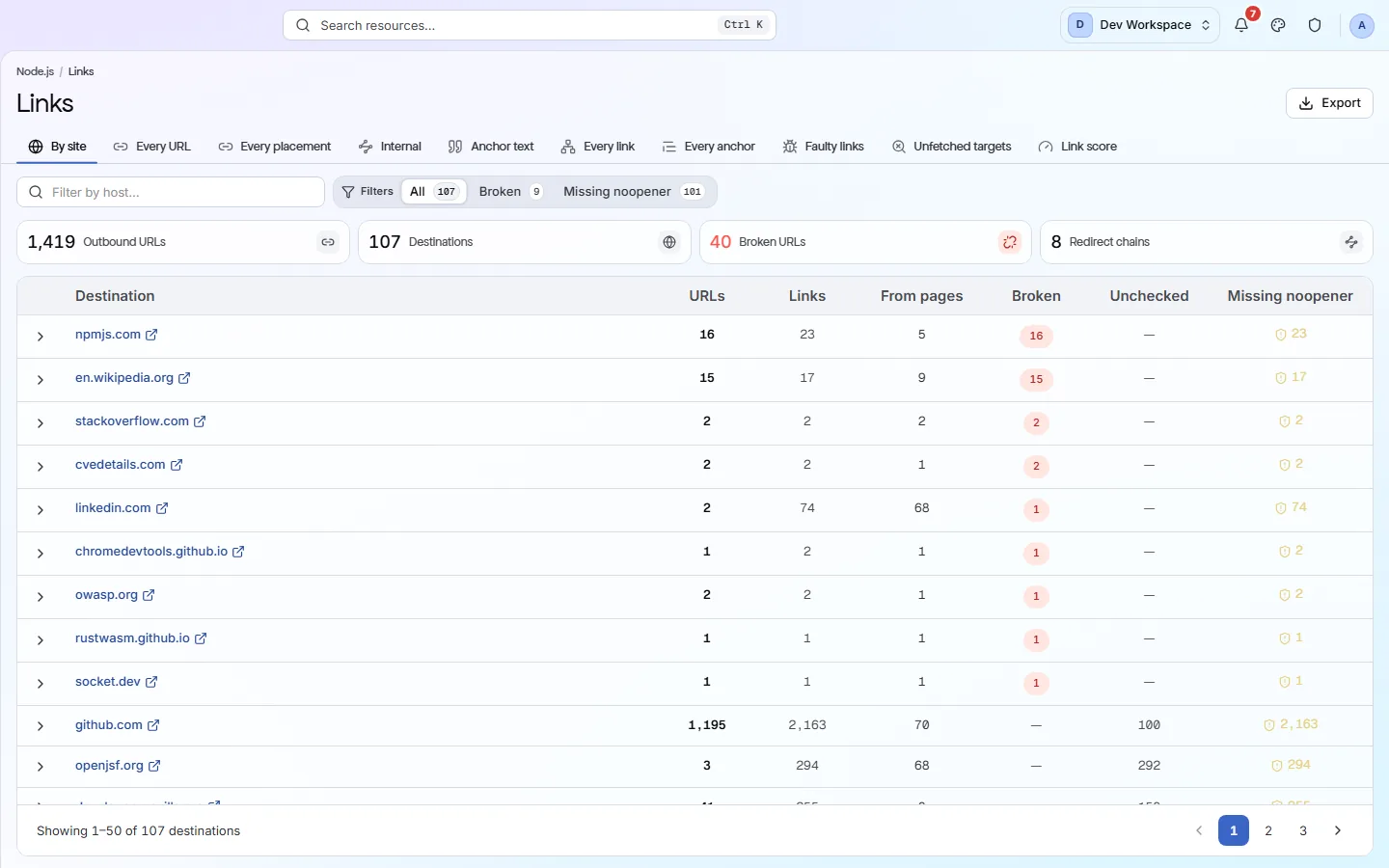
Choosing a tab#
The same links, counted in different ways.
| Field | Use it when | What it does |
|---|---|---|
| By site | A domain has gone down | External links grouped by domain, with how many links point at each. |
| Every URL | You want the exact address | One row per destination URL, rather than per domain. |
| Every placement | You need to go and edit it | One row per link on each page. This is the only tab that tells you which page carries a broken link. |
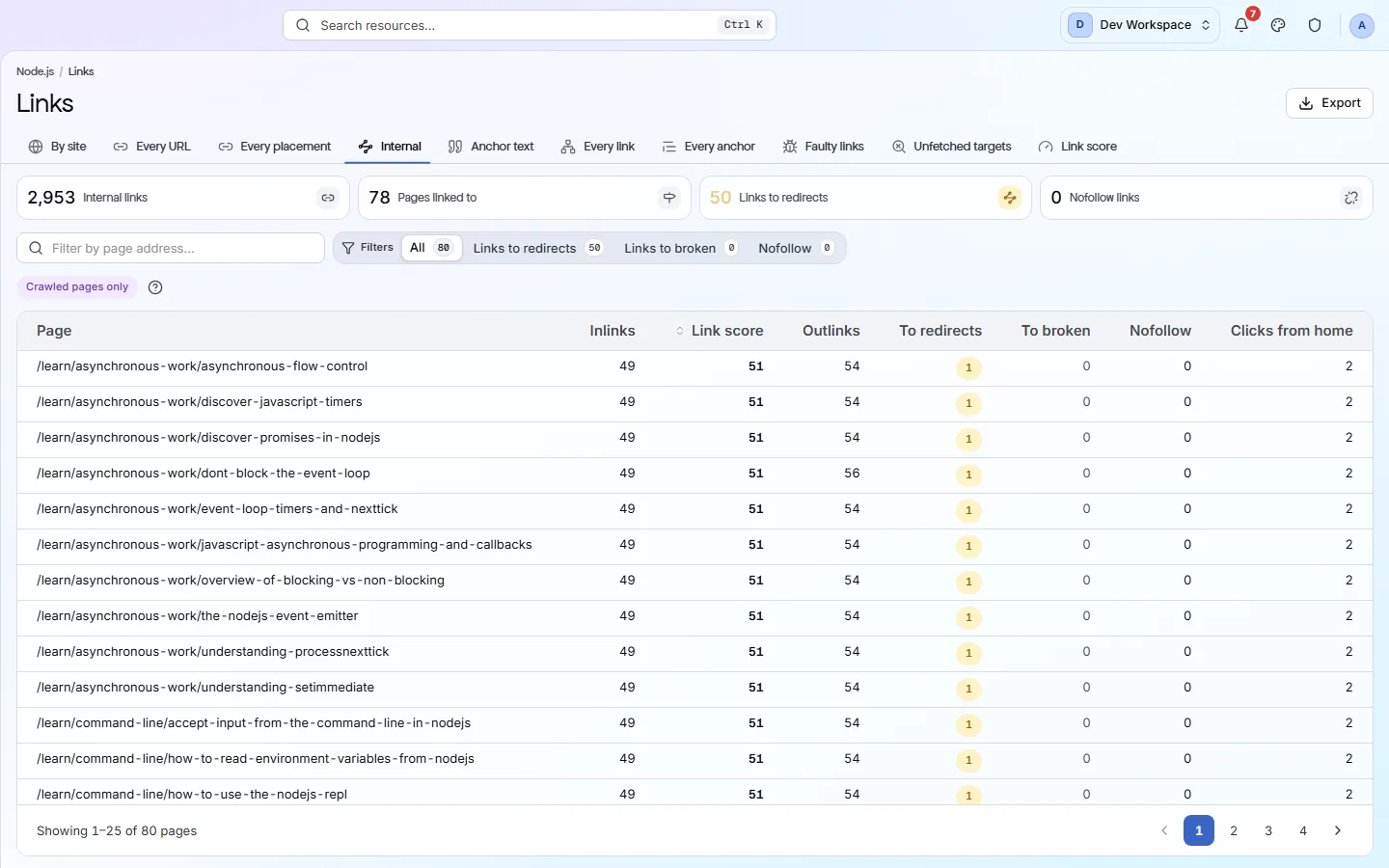
| Internal | The question is about your own site | Links within your own site, and how your pages support each other. |
| Anchor text · Every anchor | The words matter | The words your links use, which is what both readers and search engines go by. |
| Faulty links · Unfetched targets | Something is broken | Links returning 4xx or 5xx, and targets the crawl could not reach at all. Usually the shortest list here. |
| Link score | Which pages are well supported | Your internal linking scored per page, so weakly linked pages show up as a number. |
Internal
“Broken” means a status code#
It is what the server answered, not a verdict from a check.
The broken count adds up the 4xx and 5xx responses the crawl received when it followed each link. It describes the destination, so it does not change when you turn a check group off, and it can change between scans because somebody else's server changed.
External links break without warning
If the product does not match this page, the page is wrong and we would like to know. Tell us