

User guide2 min
Site alerts
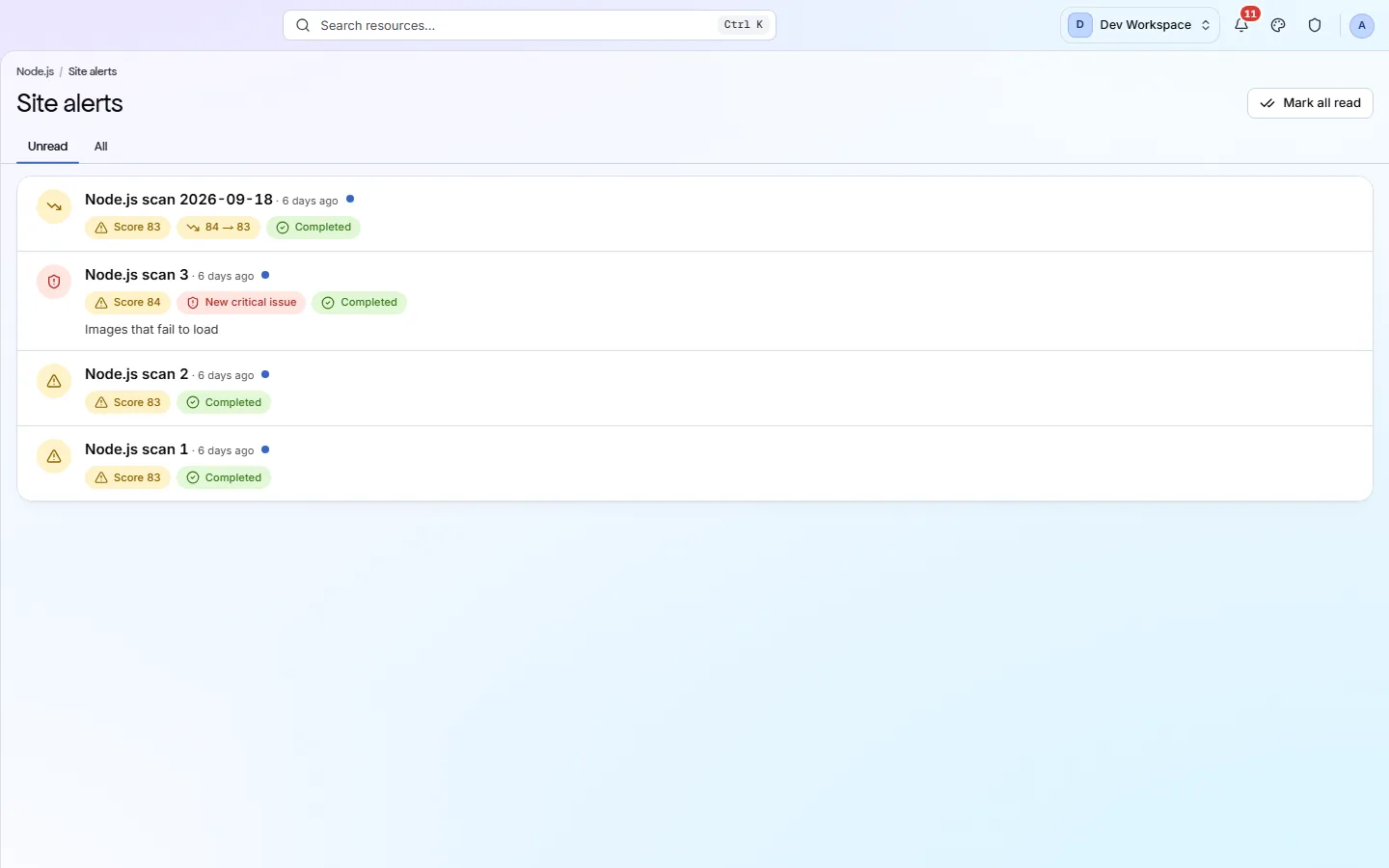
The same alerts as the workspace list, narrowed to this site. Useful when the workspace list is too long to search through.
How to get there#
Manage → Site alerts.
- 1
Open Site alerts in the sidebar
Under Manage, beside Settings. The badge shows this site's unread count.
- 2
Or press the unread count on the site overview
In the row of links under the score.
app.pixyscan.com/w/…/s/…/alerts
What is on it#
One row per scan, newest first.
Each row shows the scan's score, any change from the previous scan, any newly failing critical check, and whether the scan completed or failed. A blue dot means unread, and Mark all read clears them.
The rows are explained in full on Workspace alerts.
Some rows have no report to open
If the product does not match this page, the page is wrong and we would like to know. Tell us