

User guide3 min
Content
What every page says to a reader: its title, its description, its headings and how much text it has. Four tabs, and every count links to the pages behind it.
How to get there#
Explore → Content.
- 1
Open Content in the sidebar
Third under Explore, after Pages.
- 2
Start on Overview, move to Table when you have a suspect
Overview shows the size of the problem; Table lists the pages that have it.
app.pixyscan.com/w/…/s/…/content
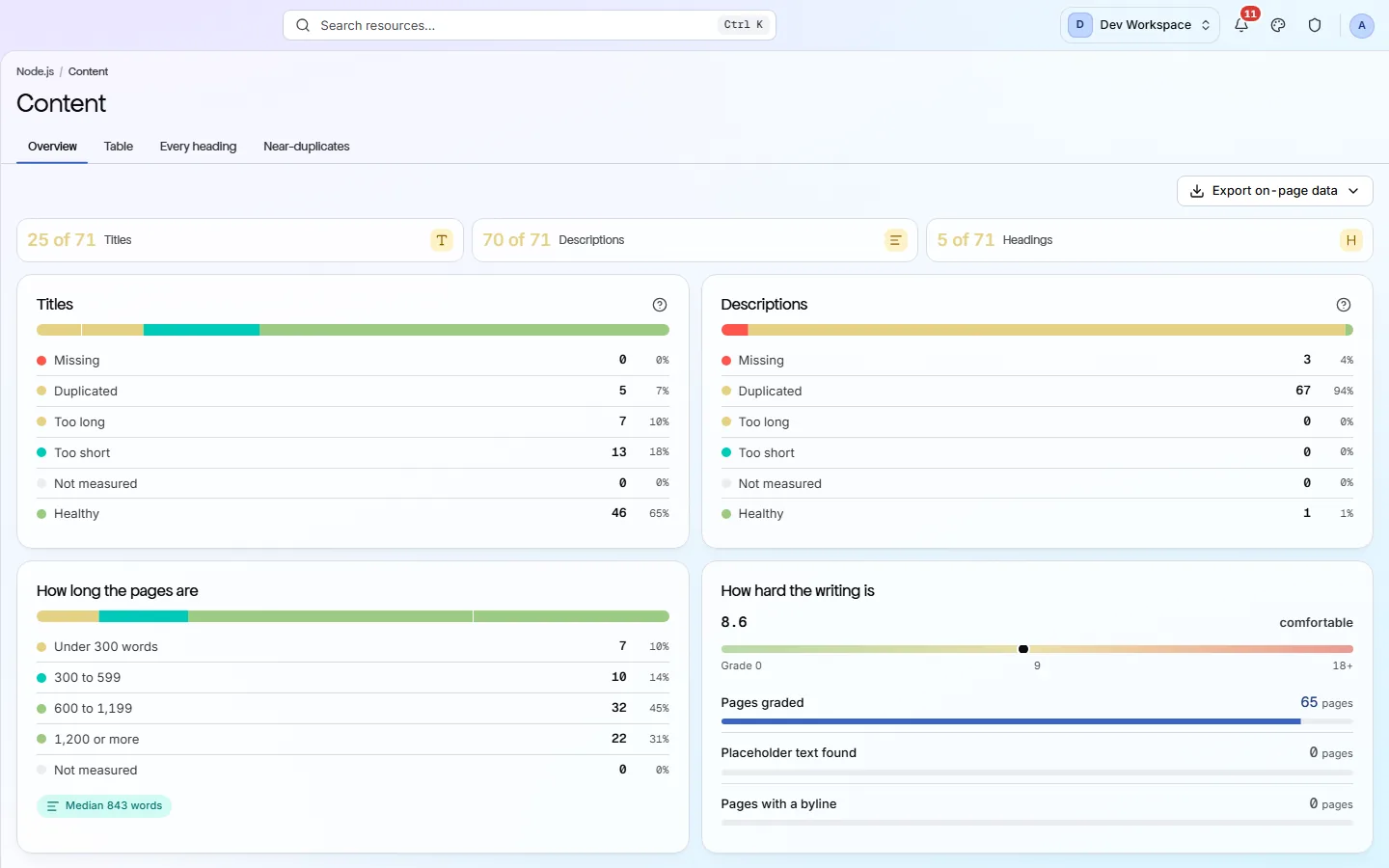
How every Explore screen is laid out#
Learn it once - the other ten work the same way.
A row of tiles across the top gives the headline counts. Below them, cards break each tile down, with a count and a percentage per row. Above them, tabs switch between the summary and the detailed tables. In the header, Export downloads whatever the screen is currently showing.
Rows inside a card are clickable. Clicking one filters the table down to the pages in that state.
The four tabs#
A summary, then three levels of detail.
| Field | Answers | What it does |
|---|---|---|
| Overview | How bad is it? | The tiles and cards. Start here. |
| Table | Which pages? | One row per page, with its title, description, word count and reading level. |
| Every heading | What does the outline look like? | One row per heading across the whole site. Useful for finding an h3 that should have been an h2. |
| Near-duplicates | Which pages are the same page? | Pages whose text is similar enough that they compete with each other. |
What the cards measure#
Four things.
| Field | States | What it does |
|---|---|---|
| Titles | Missing · Duplicated · Too long · Too short · Not measured · Healthy | Duplicated is usually the one to fix: it means a template is writing the same title onto many pages. |
| Descriptions | Same six states | A missing description is not a penalty, but it lets the search engine write your snippet for you. |
| How long the pages are | Under 300 · 300-599 · 600-1,199 · 1,200+ | Word-count bands, with the median printed underneath. Thin pages collect in the first band. |
| How hard the writing is | A reading grade | A reading level for the site, how many pages were graded, whether placeholder text was found, and whether pages have a byline. |
These counts come from the checks
If the product does not match this page, the page is wrong and we would like to know. Tell us